01
Upload a Video or Paste a Link
Choose a supported video or audio file, or paste a link from YouTube, TikTok, Instagram, or another supported source. Files up to 1 GB can be processed directly online.
Upload a video or paste a link to turn spoken content into text you can search, edit, summarize, and reuse.
Start transcribing without creating an account, installing software, or entering payment details.
Transcribe common video formats, including MP4, MOV, and AVI, then download your transcript as DOCX, PDF, or TXT.
Use the free AI video transcriber from a desktop, laptop, tablet, or mobile device.
Your video is processed only to provide the transcription features you request.
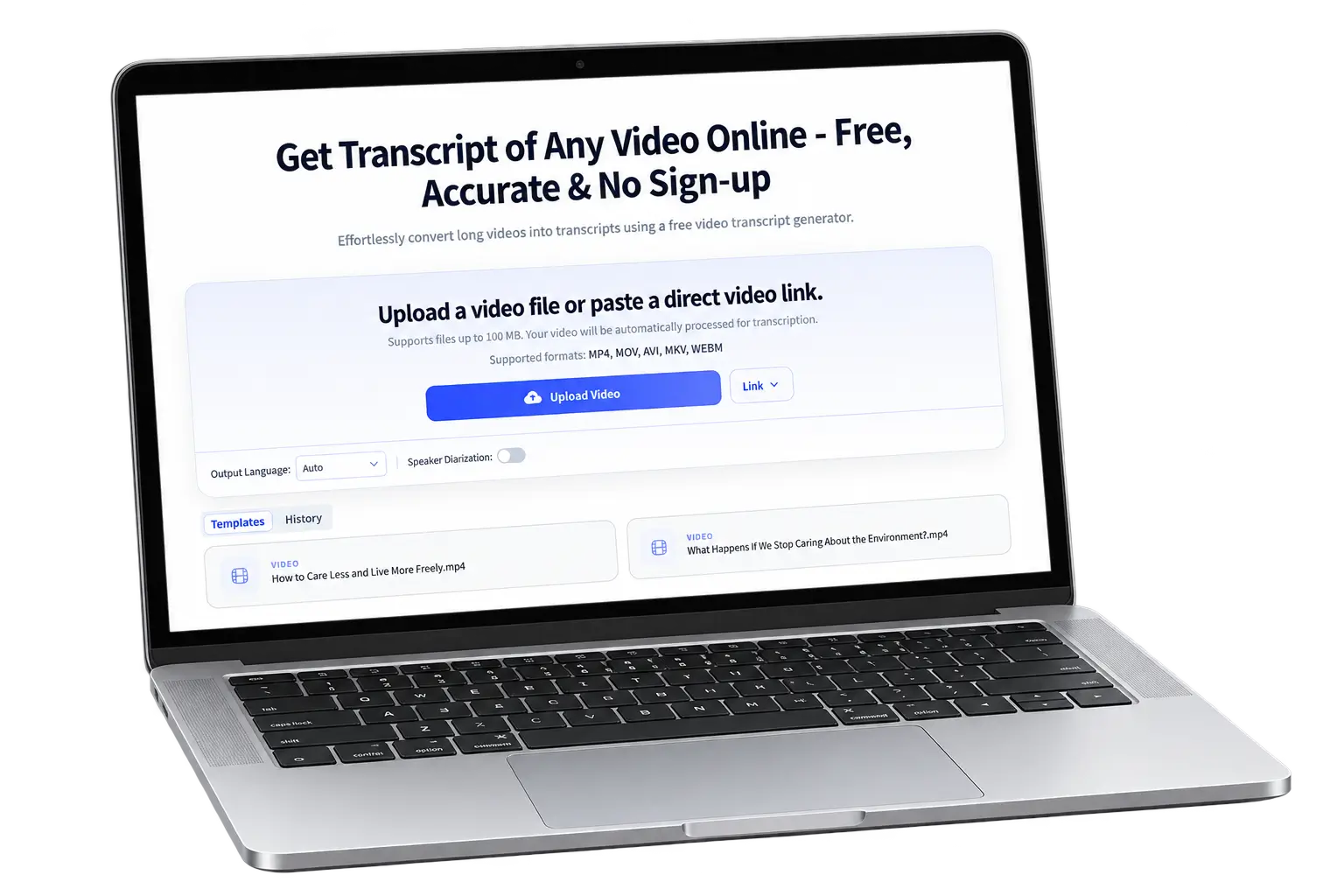
Turn a video into editable text in three straightforward steps. Bring a file or link, let AI process the speech, and use the transcript in the format you need.
Choose a supported video or audio file, or paste a link from YouTube, TikTok, Instagram, or another supported source. Files up to 1 GB can be processed directly online.
Select the spoken or output language and enable speaker diarization when multiple people are talking. The AI video transcriber identifies speech, adds punctuation, separates speakers, and aligns the text with timestamps.
Read and edit the generated transcript, then download or reuse it.
Transcribe long videos, work across 100+ languages, identify different speakers, and turn every transcript into useful content.
You don't need to spend hours pausing, rewinding, and typing out every word. Upload the full video and get a readable transcript you can scan at your own pace. Whether it is a detailed interview, an hour-long class, or a multi-session webinar, you can understand what was said without replaying the recording from beginning to end.
Turn Long Videos to Text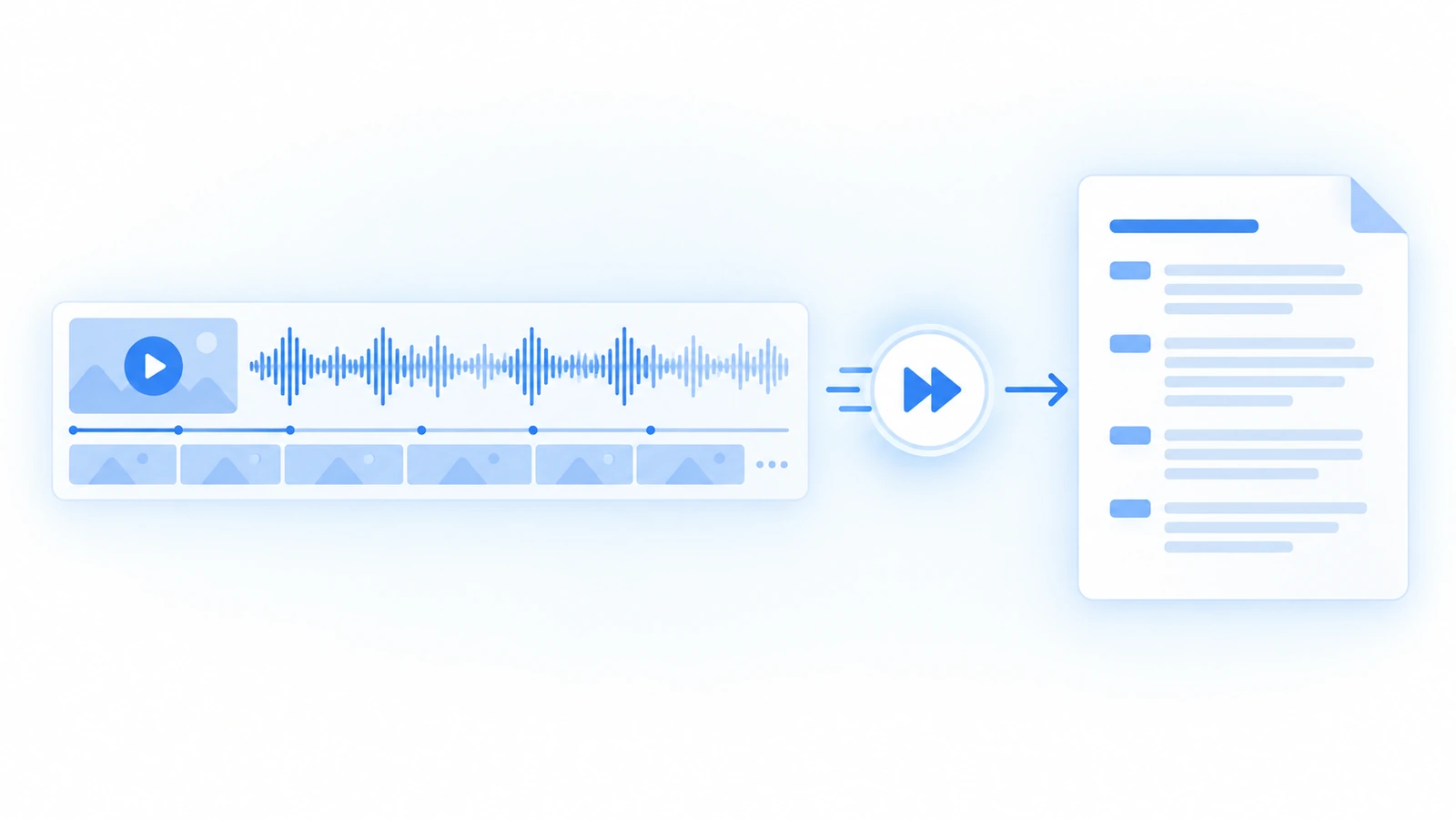
The AI video transcriber supports more than 100 languages and can translate completed transcripts for different audiences. Use it to understand international content, prepare multilingual notes, or create subtitles for global distribution. Selecting the correct spoken language can also improve results for regional accents, short recordings, and videos containing specialized vocabulary.
Let AI Transcribe Videos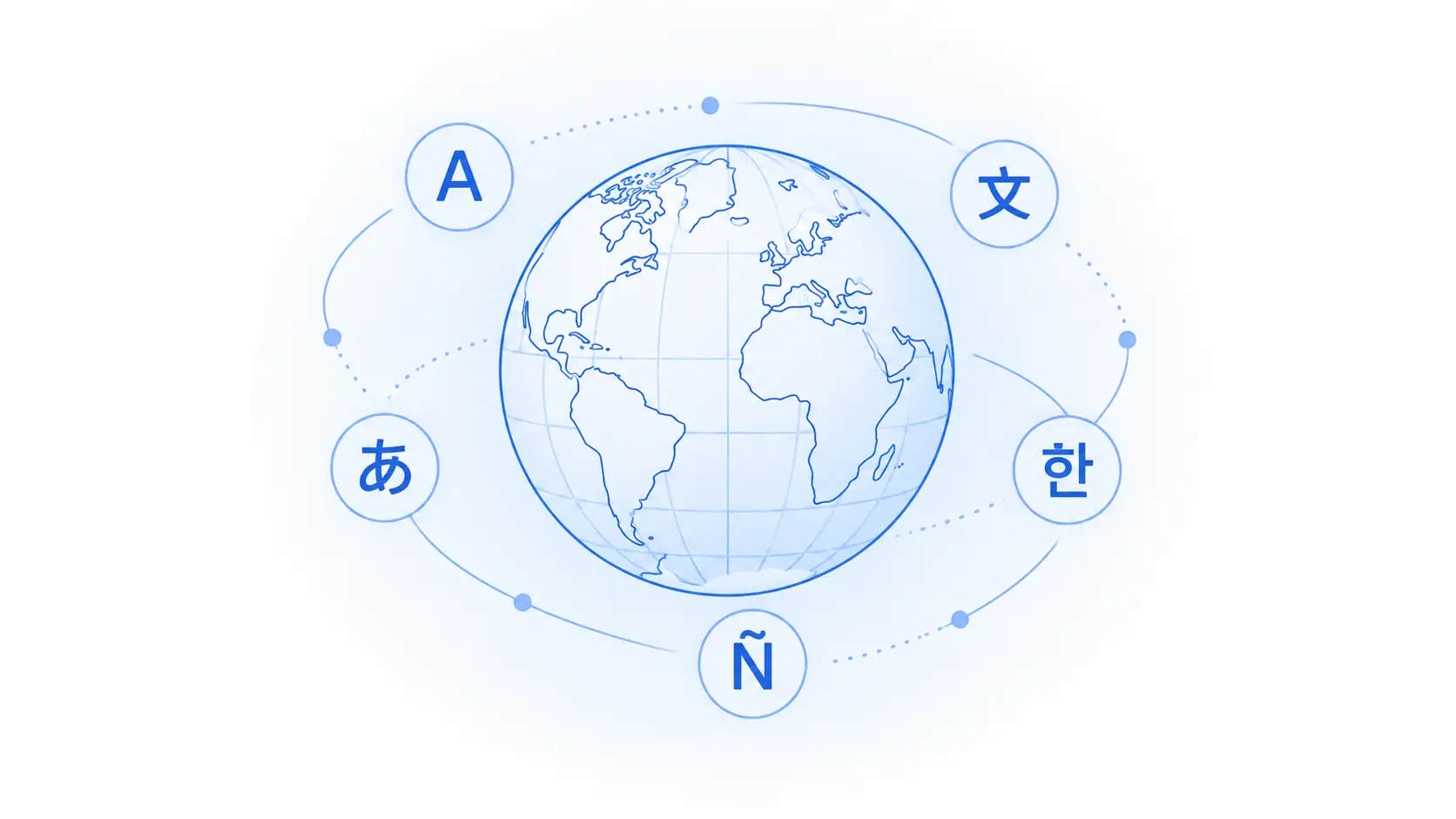
Speaker recognition separates different voices and organizes the text by participant, helping you understand who said what without repeatedly checking the video. It is especially useful when you use AI to transcribe interviews, panel discussions, research sessions, podcasts, or team meetings. Clear speaker labels also make the finished transcript easier to review, summarize, quote, and share with others.
Try the AI Video Transcription Tool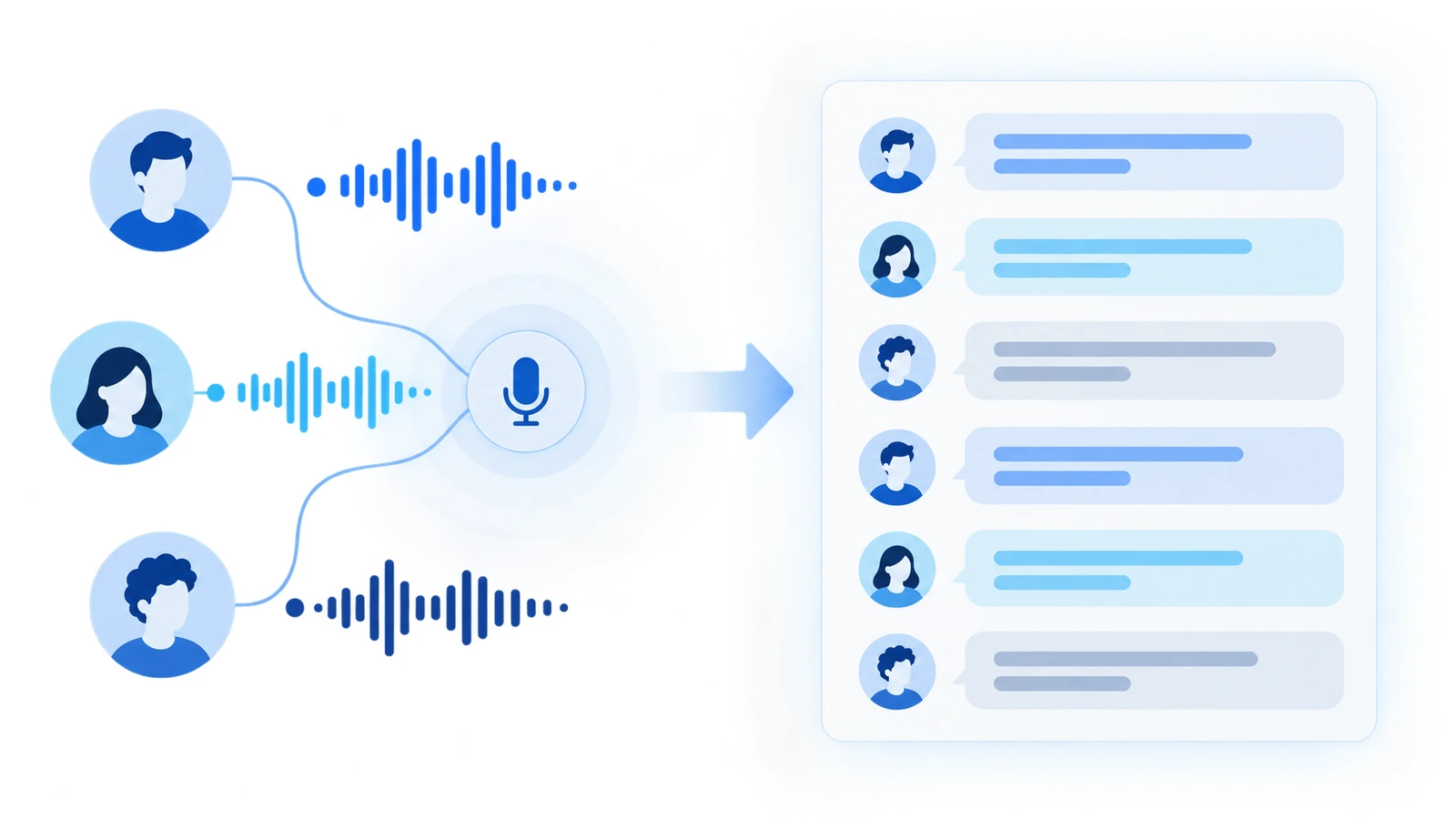
You can choose from different summary formats to create chapter summaries, smart notes, meeting minutes, blog drafts, study materials, or viral clip ideas. You can also organize the video into a visual mind map, translate the transcript, or use a custom prompt for a specific goal. Instead of using separate tools after you transcribe a video, continue exploring and repurposing the content in the same workspace.
Start Fast Video Transcription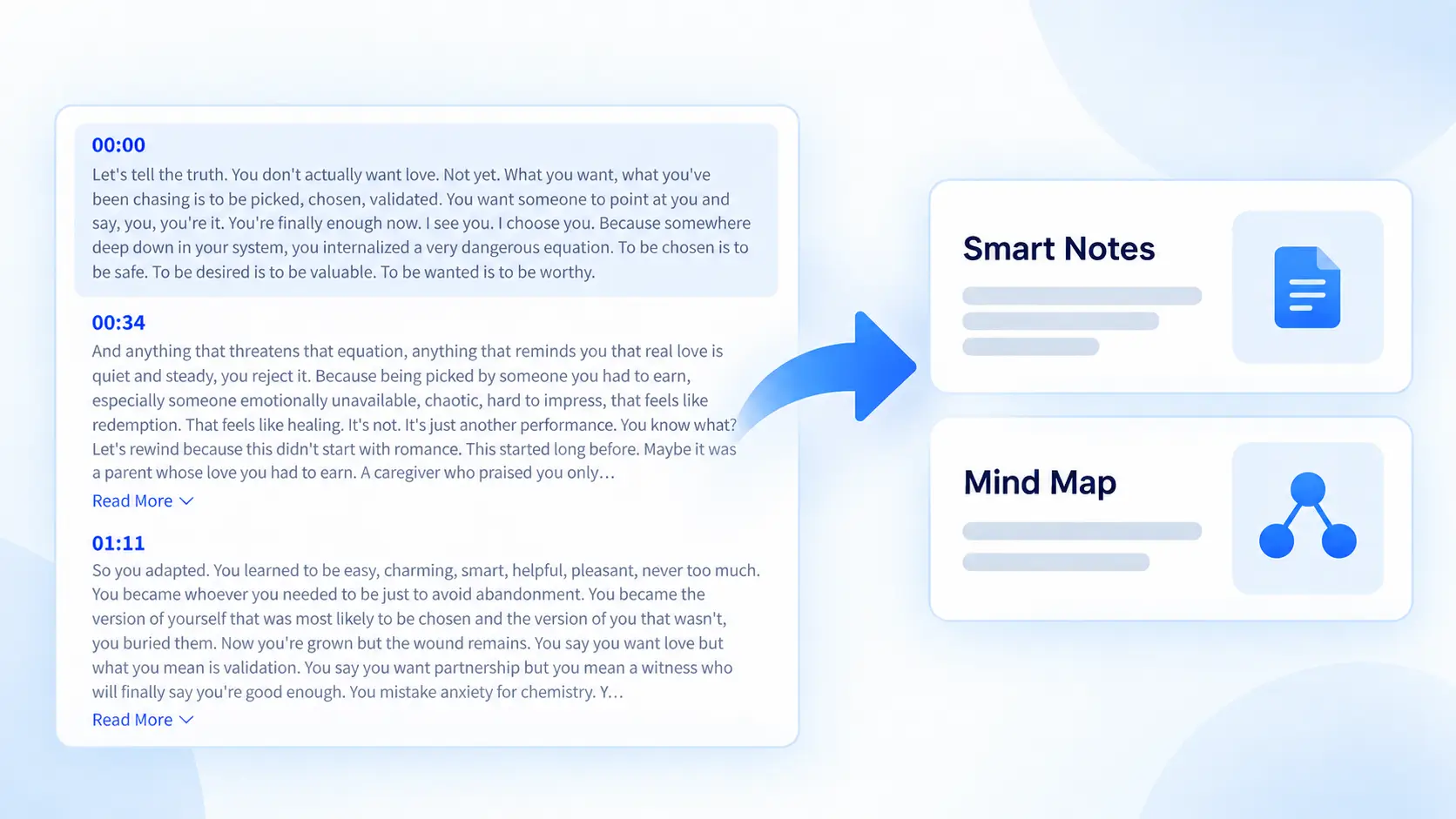
Rated 4.7 out of 5 stars
Based on 27,511 Reviews
I use it to pull ideas from interviews and long-form videos without replaying everything. The timestamps make it easy to check the original context, and the different summary templates give me a useful starting point for briefs and blog posts.
Content Creator
I record dozens of interviews for my studies. Most tools mess up academic terminology or accents. This one nailed 95%+ accuracy on my Mandarin-English bilingual interviews.
Science Researcher
What I like most is having the transcript, speaker labels, and summary in one place. I still review names and technical terms, but it removes most of the repetitive work before editing an episode.
Podcast Producer
I use the transcript for captions, lesson notes, and content outlines. Being able to summarize the same video in different ways is useful because a student handout needs a very different structure from a promotional post.
Online Course Creator
It is genuinely convenient. I can paste a video link, get the transcript, and create a summary without downloading the video or switching between different tools. What used to take several steps now happens in one place.
Researcher
These small improvements before transcription can make your transcript clearer and reduce editing time.
Use a recording where voices are louder than background music, wind, or room noise. Clear speech gives the AI more information to work with and usually produces a cleaner transcript.
Remove long silences, repeated takes, intros, and other unnecessary footage before transcription. For longer recordings, split the video into focused sections to get a cleaner transcript that is easier to review and summarize.
Go beyond a standard summary. Turn the same transcript into chapter highlights, study notes, meeting minutes, blog content, viral clip ideas, or a custom format built around your goal.
AI may not recognize uncommon names, abbreviations, product names, or industry terminology perfectly. Review these details before publishing the transcript, subtitles, or translated content.
Our free video transcriber can also turn YouTube, TikTok, and Instagram videos or links into transcript.
Learn more about our AI video transcriber, such as how to transcribe video to text with AI, which video sources are supported, and what you can do with the finished transcript.
AI video transcriber can recognize speech in a video and converts it into written text. It can also add timestamps, identify different speakers, and prepare the transcript for editing, summarizing, translating, or subtitle creation.
Most videos are transcribed within a few minutes, although processing time depends on the video length, file size, audio quality, and current demand.
Not always. You can paste supported links from platforms such as YouTube, TikTok, and Instagram directly into our AI video transcriber. You can also upload a video or audio file stored on your device.
The tool supports common video formats such as MP4, MOV, and AVI. You can upload long video files or use a supported online video link.
Yes. Enable speaker diarization before processing a conversation with multiple participants. The transcript will separate detected voices so it is easier to understand who said what.
Yes. Timestamps connect sections of the transcript to moments in the original video. They make it easier to find a quote, review a specific topic, or prepare synchronized subtitles.
Yes. The AI video transcriber supports more than 100 languages. You can choose the spoken or output language and translate the completed transcript when you need content for another audience.
Yes. After you transcribe the video to text, you can use the timestamped content to create subtitles. Review names and important terminology before using the subtitles in published content.
Accuracy depends on recording quality, background noise, accents, overlapping speech, and specialized terminology. Clear recordings can produce highly accurate results, but important transcripts should always be reviewed before publication.
Your content is processed to generate the requested transcript. Videos are not stored, shared, or used for other purposes without permission. Review the Privacy Policy for complete information about processing and retention.