
Currently, Transcribe Video AI is a completely free tool that can be used without any cost or payment.
Transcribe Video to Text Online for Free - Fast & Accurate
Get accurate transcripts in minutes with Transcribe Video AI's video to text converter, 100% free, no sign up required.
Paste a YouTube, TikTok, Instagram, video, or audio link.
Join Millions of Users Using Transcribe Video AI
Trusted by leading platforms and millions of users, Transcribe Video AI is built to deliver the best transcribe video experience.
What is Transcribe Video AI?
Transcribe Video AI is a free all-in-one tool that combines transcription, subtitles, and summarization. It supports video files, YouTube links, URLs, and various formats, allowing you to transcribe video to text in over 100 languages. It delivers accurate results for studying, meetings, and content creation.
Convert Video to Text for Free>>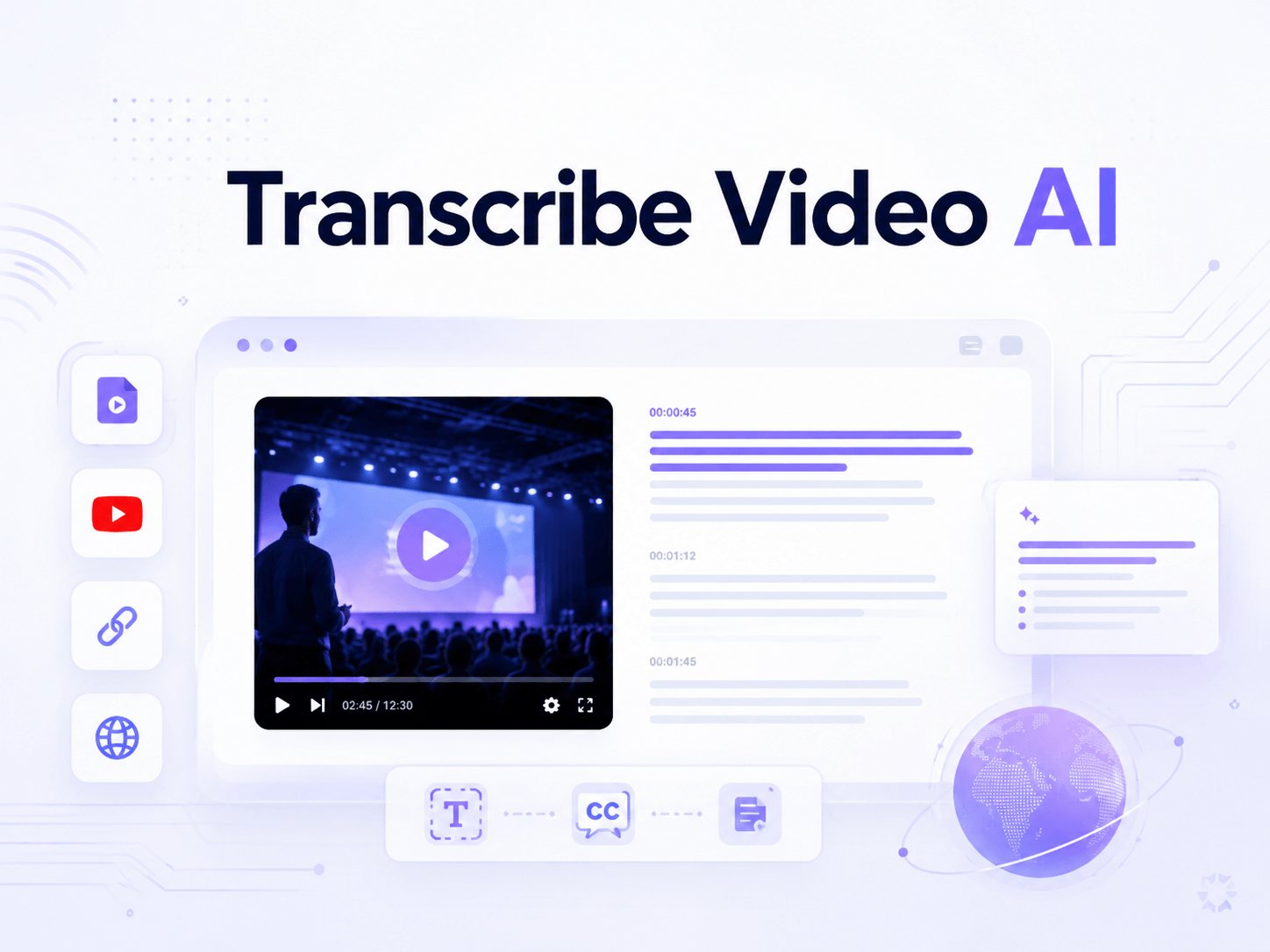
Why Choose Our Video to Text Converter?
Transcribe Video AI
100% free to use
No sign-up required
Transcribe video in minutes
Multiple export formats supported
Supports 100+ languages
Up to 98.64% accuracy
Works with videos, YouTube links, and multiple file formats
Other Tools
Limited free trials or paid plans
Requires registration or verification
Long videos may take over 10 minutes to process
Only copy text or a single export option available
Limited to around a dozen commonly used languages
Lower accuracy with missing words and occasional errors
Limited source support
Transcribe Video to Text Across All Platforms & Formats
Besides common formats like MP4 and MOV, Transcribe Video AI also supports multiple social media platforms. You can directly paste links from YouTube, TikTok, Instagram, and other platforms to transcribe video to text. It is especially useful for Zoom meetings and lecture recordings without needing to switch between different tools.
Start Transcribing Video Online>>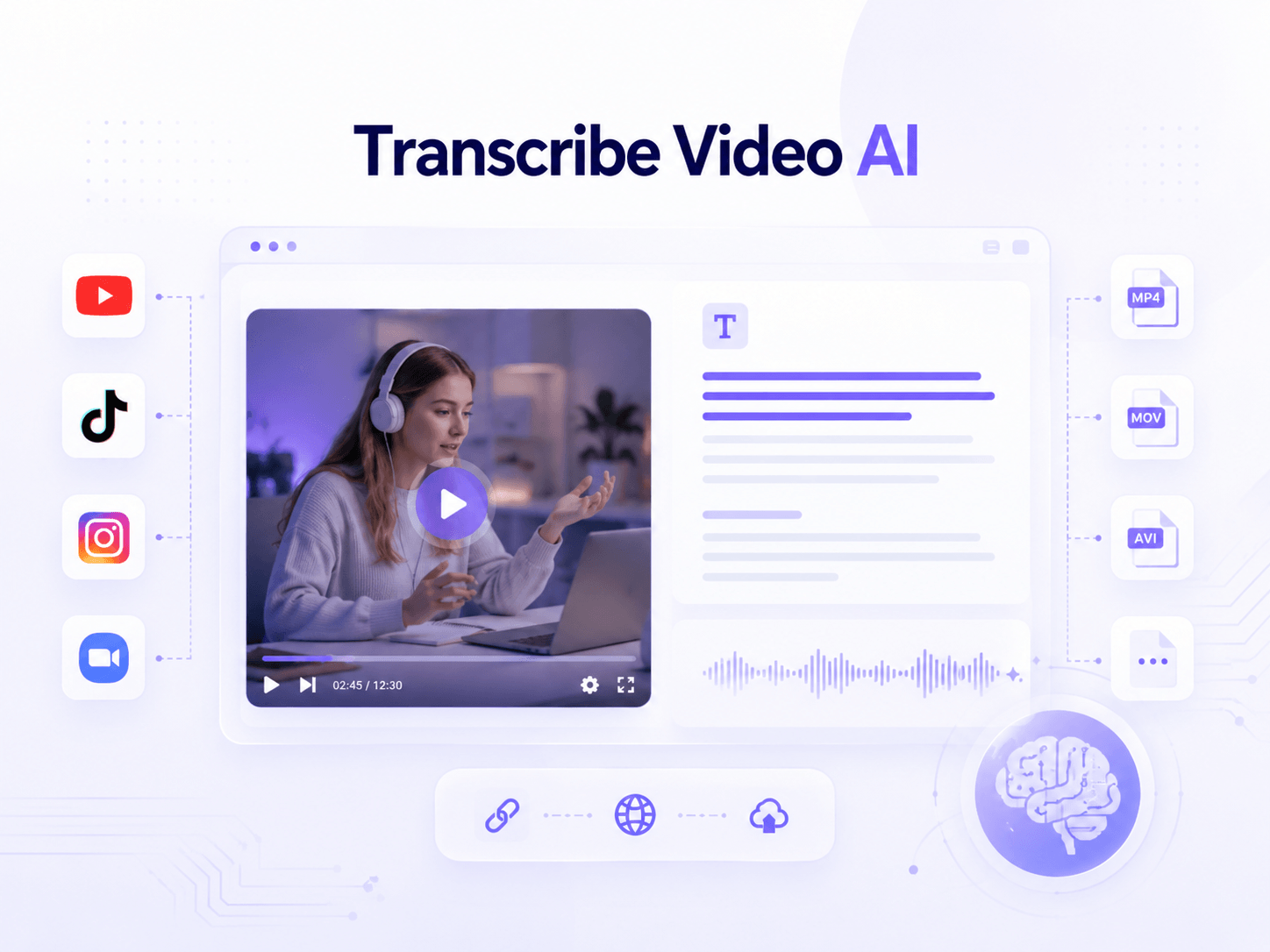
Get Multilingual Video Transcripts with up to 98.6% Accuracy
For multilingual video content, even with accents or unclear pronunciation, our video transcriber can still maintain high recognition accuracy. In most cases, Transcribe Video AI can reach over 98% accuracy. The transcribed text can also be translated into multiple languages, greatly improving efficiency for language learners and multilingual subtitle creation.
Transcribe Video to Text for Free>>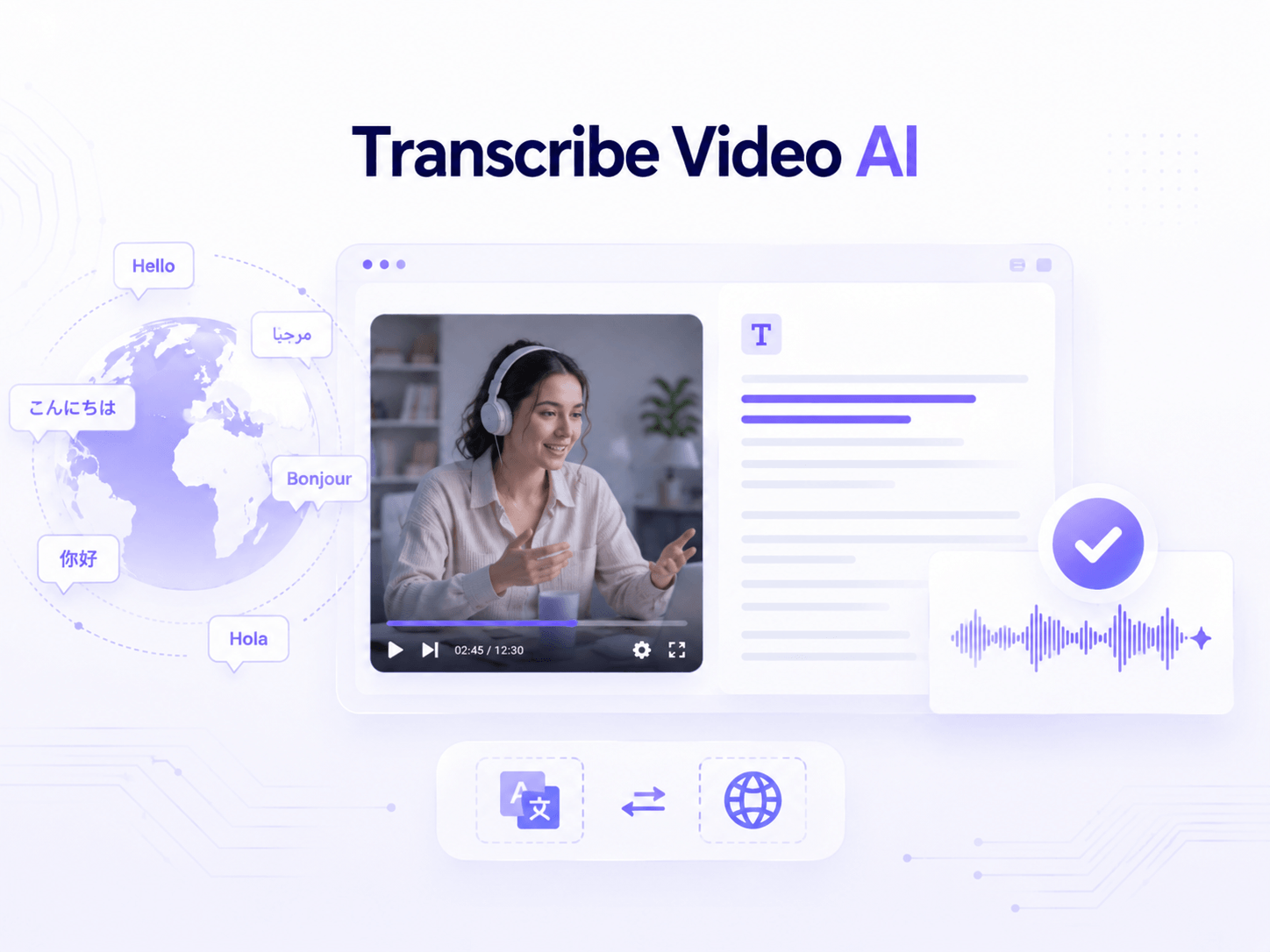
Generate Transcripts, Subtitles, and Summaries for Any Use Case
Not only transcripts, the video to text converter also supports automatic subtitle generation with timestamps. It can also summarize the content, allowing you to quickly turn long videos into clear and structured summaries. It is useful for note-taking, meeting organization, or any other purpose.
Convert Video to Text>>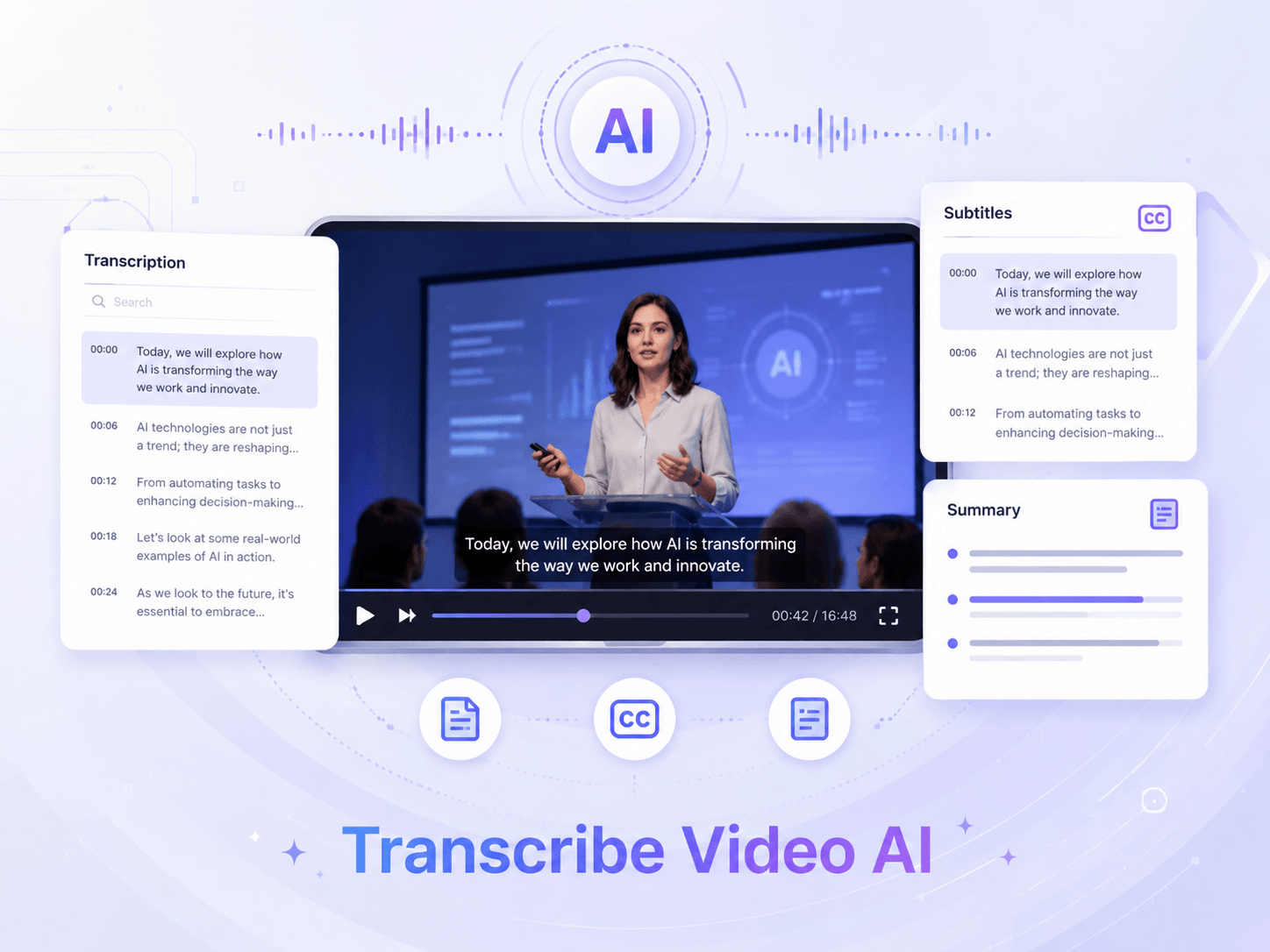
Convert Long Videos up to 1GB in Minutes
Compared to many tools that require long queues or have video length limits, Transcribe Video AI can complete transcription much more efficiently. Even long TED talk videos can be processed within minutes. The whole process is fast and convenient, all you need to do is upload your video file, with no sign-up required.
Try Video Transcription Now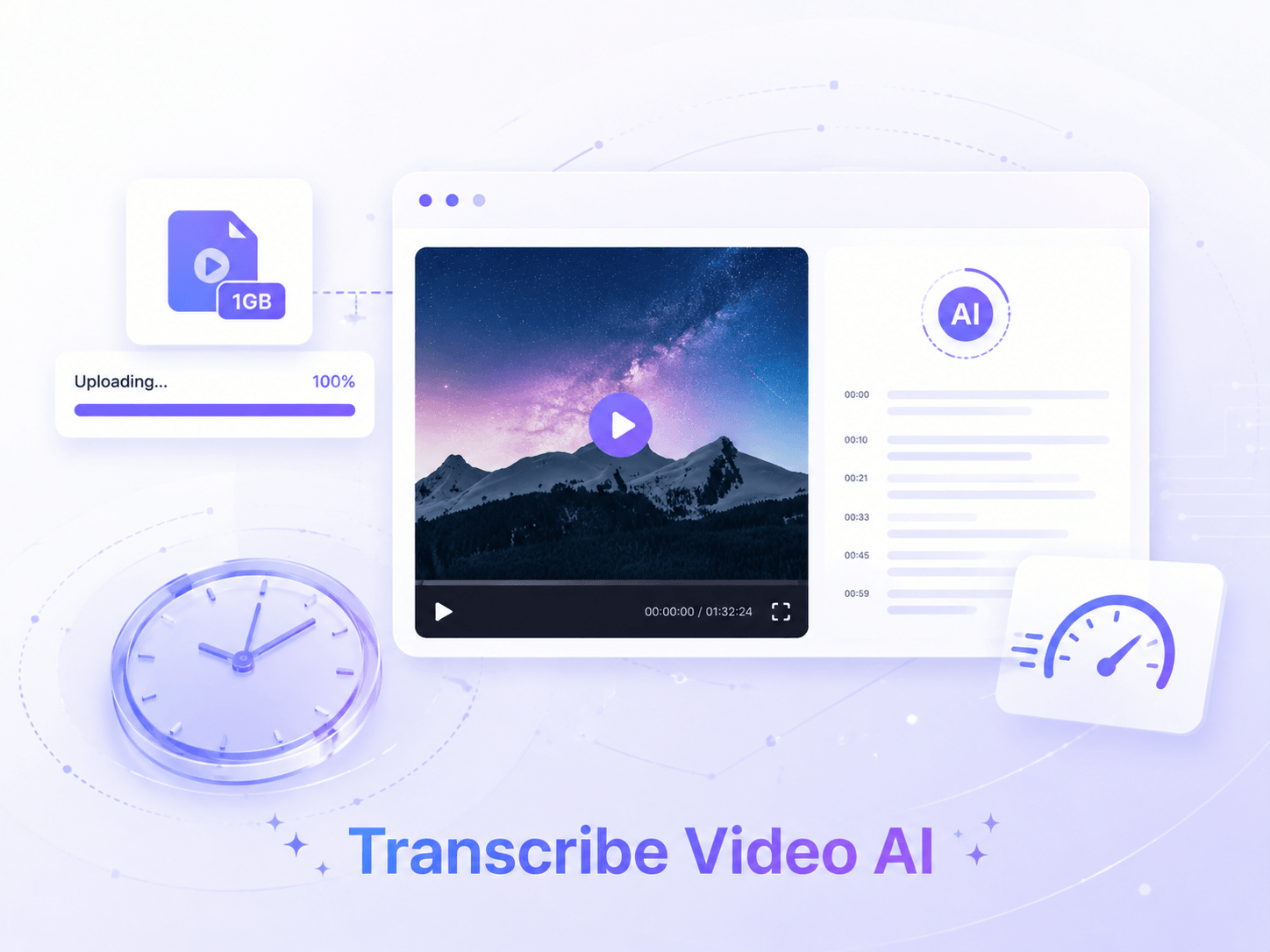
How it works
Easy Steps to Transcribe Video to Text Online
Transcribe video to text in just 3 steps: upload your file or paste a URL, click the button, and get your transcript in minutes. Download in your preferred format.
01
Upload your video
Transcribe Video AI supports multiple video formats including MP4, MOV, and AVI, as well as YouTube links and other social media platforms.
02
Start transcribing video
After uploading your video, whether it is a few minutes or several hours long, it will be processed within minutes. The whole process is fast, secure, and efficient.
03
Download & further summarize
You can download your content or further summarize your video, generate a mind map, or translate it into other languages based on your needs.
12,000+ Happy Clients
Hear from Loyal Users of Transcribe Video AI
Previously, organizing meeting notes was really time-consuming and frustrating for me, but after using Transcribe Video AI to transcribe Zoom calls into text, everything became much easier. I can quickly extract key points and clearly identify speakers, which makes follow-ups much more efficient.

Kevin Park
Operations Specialist
I transcribe video to text to improve my studying. Even when teachers have less standard pronunciation, Transcribe Video AI can still accurately recognize and transcribe the content. The whole process is fast, and it has become a helpful tool for me before exams.

Emily Carter
Student
As a YouTuber, creating subtitles used to take a lot of time. With Transcribe Video AI, I can easily generate transcripts and subtitles, and also translate them into multiple languages. This has significantly improved my efficiency and allowed me to spend more time on content creation.

Daniel Kim
Video Creator
Transcribe Video AI FAQs
If you run into any issues while transcribing videos or have any feedback or suggestions, feel free to reach out to us via email.